Turn Your Notes Into Exam Ready Quizzes Instantly
Upload your PDF or DOCX and get AI-generated MCQs that actually prepare you for what's tested. No more guessing what to study.
THE REAL PROBLEM
Students study for hours and still blank on exam day.
Re-Reading Feels Like Studying
Students go through notes over and over but never test themselves. By exam day, nothing actually sticks.
Making Quizzes Takes Too Long
Writing practice questions from a long PDF by hand eats up hours that should be spent actually studying.
Weak Topics Stay Hidden
Without regular testing, students don't know where they're struggling until the exam reveals it.
THE FIX
One workflow that closes the gap between studying and actually knowing.
From Re-Reading to Real Practice
Upload your notes and get MCQs instantly. Test yourself on your own material instead of just reading it again.
From Manual Work to Instant Quiz
No more writing questions by hand. Drop your PDF or DOCX and your quiz is ready in seconds.
From Guessing to Knowing
See exactly which topics need more work. Fix your weak spots before the exam not during it.
How It Works
From notes to exam-ready in 3 steps.
1. Upload Your Notes
Drop in your lecture notes or handout PDF or DOCX and HandoutAI reads it so you don't have to anymore.
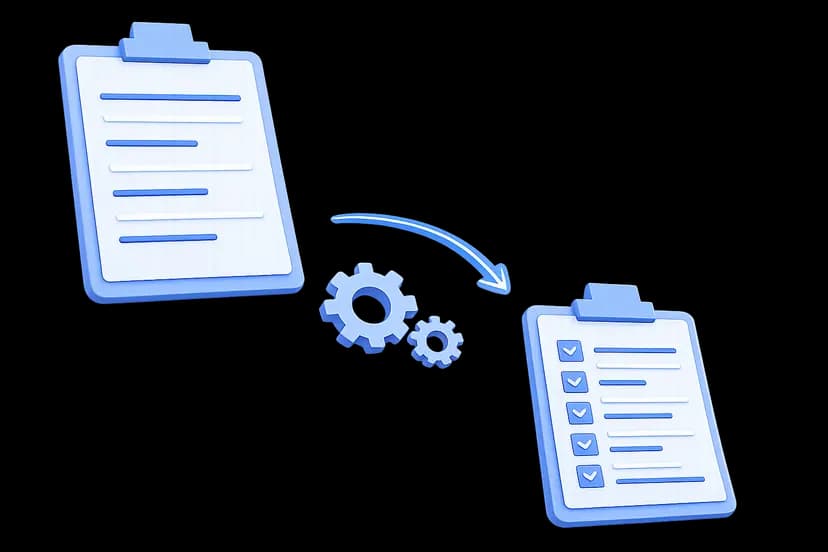
2. Generate MCQs Instantly
Your notes turn into quiz questions right away, so revision time is spent practicing instead of writing questions manually.

3. Master Weak Areas Fast
Practice actively, spot gaps early, and improve confidence with each attempt before your actual exam day.
Testimonial Highlight
What other students are saying
I went from guessing what to revise to finishing my midterm prep two days early. I actually felt ready.
Ayesha N.
BSCS Student
Got Questions?
Everything you need to know before you start.
What are quiz credits?
Credits are how HandoutAI measures quiz generation. The number of credits used depends on how many questions you generate. Free includes 10 credits, while Basic includes 120 and Pro includes 450.
Can I upload my university handouts directly?
Yes. Download your handout or lecture notes from your university portal, upload the PDF or DOCX here, and your quiz is ready in seconds. No copy pasting, no reformatting needed.
How many credits does one quiz use?
It depends on what you select. More questions and higher difficulty use more credits. Your available credits are shown in your account, so you can keep track of your usage.
Do different file types cost different credits?
No. A PDF, DOCX, or TXT file all cost the same. File type does not affect credit usage, only the number of questions and difficulty level do.
Is there a file size limit?
Yes. HandoutAI currently supports files up to 10 MB. Supported formats include PDF, DOCX, and TXT.
What happens when I run out of credits?
Once your credits are used up, you won't be able to generate new quizzes. Upgrade to a paid plan anytime to get more credits and continue studying.
Where can I see my remaining credits?
Your credit balance is shown on your dashboard the moment you log in.
Do my quizzes stay saved after I use them?
Yes. Your generated quizzes are saved in your history, so you can come back, review your answers, retake them, and track your performance over time.
Can I download my generated quizzes?
Yes. You can download your generated quizzes as PDF files and keep them for offline revision or later practice.
Claim Your Credits